
What Our Customers Are Saying
How to Fault-Find a Belimo Actuator
7
Jul
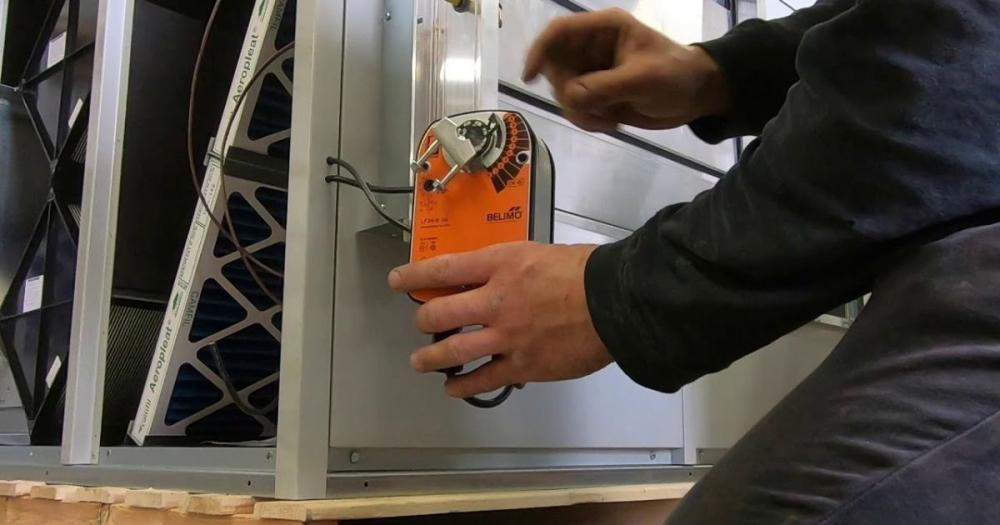
Step 1: No Movement, Start Here
If the actuator does not respond at all, work through these checks in order before assuming the actuator is faulty.
First: confirm 24V supply at terminals G (positive) and G0 (neutral). Use a multimeter, do not assume the supply is present because the panel indicator is lit. Measure directly at the actuator terminals. No voltage means the fault is upstream of the actuator: check the MCB, the transformer secondary voltage, and the cable from the panel to the actuator terminal board.
Second: confirm the control signal. For a 0–10V actuator: measure the Y terminal to G0. You should see a voltage between 0 and 10V corresponding to the BMS demand. 0V at Y with 24V supply will cause the spring to hold the valve closed, this is correct operation, not a fault, if the BMS is commanding zero demand. 10V at Y with no actuator movement means the actuator itself has failed.
Third: confirm actuator type. The Belimo NM/LM/SM series ending in 'A-SR' are 0–10V spring return. Variants ending in '-3' or 'P' may be 3-point or other signal types. Check the model label on the actuator body.
For a full foundational overview of HVAC control strategy, see the HVAC Controls Practical Guide.
Step 2: Actuator Moves But Valve Doesn't
This means the mechanical coupling between the actuator output shaft and the valve ball or globe stem has failed or was never correctly engaged. For Belimo B-series CBVs (ball valves), the actuator clips directly onto the valve bonnet, confirm the actuator is properly seated and the locking clip is engaged. The actuator shaft must engage with the ball valve's driver slot.
For AB-QM PICVs with Belimo actuator via M30 adapter, confirm the adapter thread is fully engaged on the M30 × 1.5 valve thread and the locking ring is tightened. A partially engaged thread allows the actuator to rotate without driving the valve stem.
Use the Belimo manual override button (grey button on most NM/LM/SM units) to confirm the actuator shaft is turning. If the shaft turns and the valve doesn't move, the coupling is the problem.
Step 3: Actuator Not Reaching Full Stroke
If the actuator reaches what appears to be an intermediate position and stops, even with 10V (or full open command) at the Y terminal, the most likely causes are: mechanical obstruction in the valve preventing full travel, actuator torque insufficient for the valve's close-off pressure, or the actuator has self-calibrated to an incorrect stroke range.
The Belimo NM, LM and SM series auto-calibrate their stroke range on first power-up by running to both end stops and measuring total travel. If the actuator was powered with an obstruction in place, or if the adapter was not correctly fitted during the auto-calibration run, the calibrated stroke will be shorter than the valve's actual full travel. To re-calibrate: disconnect the Y signal wire, apply 24V to G and G0 only, then press and hold the manual override button for 5 seconds. The actuator will run to both end stops and re-calibrate. Reconnect Y.
⚠ Only re-calibrate with the valve correctly installed and the system at operating pressure. Calibrating with the system drained and no back-pressure may produce a different stroke end-point than in service.
Step 4: Actuator Cycling Continuously
Continuous cycling, the actuator moves back and forth without settling, is almost always a control issue rather than an actuator fault. The most common causes are: PID control loop gain too high (see the control valve hunting guide), signal cable noise causing the Y terminal voltage to fluctuate, or an undersized valve Kvs causing the zone to overcorrect.
To isolate the actuator from the control loop: disconnect the Y signal wire and apply a fixed 5V DC (or use a potentiometer to apply a mid-range voltage) to the Y terminal. The actuator should move to the corresponding mid-stroke position and stay there. If it does, the actuator is functioning correctly and the cycling problem is in the control system. If it still cycles with a fixed signal, the actuator is faulty.
Step 5: Position Feedback (U Terminal) Reading Incorrectly
The U terminal on Belimo NM/LM/SM actuators provides 2–10V position feedback. 2V = closed, 10V = fully open. If the BMS is reading an incorrect position: confirm the U terminal is wired to the correct BMS analogue input channel. Confirm the BMS input is scaled for 2–10V (not 0–10V, a common configuration error that offsets the reading). Confirm the actuator has completed auto-calibration, an uncalibrated actuator may provide an approximate but not accurate U output.
Diagnostic Reference Table
|
Symptom |
Check |
Likely cause |
Fix |
|---|---|---|---|
|
No movement at all |
24V at G/G0? |
No supply |
Check MCB, transformer, cable |
|
No movement |
Signal at Y terminal? |
No signal or wrong type |
Check BMS output, cable, actuator signal type |
|
Moves to closed only |
Y = 0V constantly |
BMS commanding 0% or analogue output fault |
Check BMS output value; check signal cable for break |
|
Valve doesn't move though actuator shaft does |
Manual override, does shaft rotate? |
Coupling disengaged |
Re-engage clip (B-series) or M30 adapter thread (AB-QM) |
|
Doesn't reach full stroke |
Re-calibrate, press override 5 s |
Incorrect auto-calibration |
Re-calibrate per Belimo procedure |
|
Continuous cycling |
Disconnect Y, apply fixed 5V, still cycles? |
Actuator faulty or control loop |
If stops: control loop issue. If continues: replace actuator |
|
U feedback incorrect |
BMS input scaling 2–10V? |
Incorrect BMS input configuration |
Re-scale BMS input to 2–10V |
Frequently Asked Questions
Q: My Belimo actuator hums but doesn't move, what does this mean?
The motor is running but the output shaft is not turning, typically a mechanical blockage. The valve may be seized (lime scale, corrosion on the ball seat), or the coupling may be jammed. Try the manual override. If the override is stiff or won't move, the issue is in the valve, not the actuator.
Q: Can I use a Belimo NM24A-SR on any valve, or only Belimo valves?
Belimo rotary actuators fit Belimo B-series valves directly. For other valve makes, Belimo produces adapter kits, the VZ series yoke adapters allow Belimo actuators to drive globe valves from Siemens, Honeywell, and others. Check the Belimo compatibility guide for the specific valve model.
Comment(s)
Recent Posts
-
Steam Humidifier Explained: How HygroMatik Humidification Systems Work
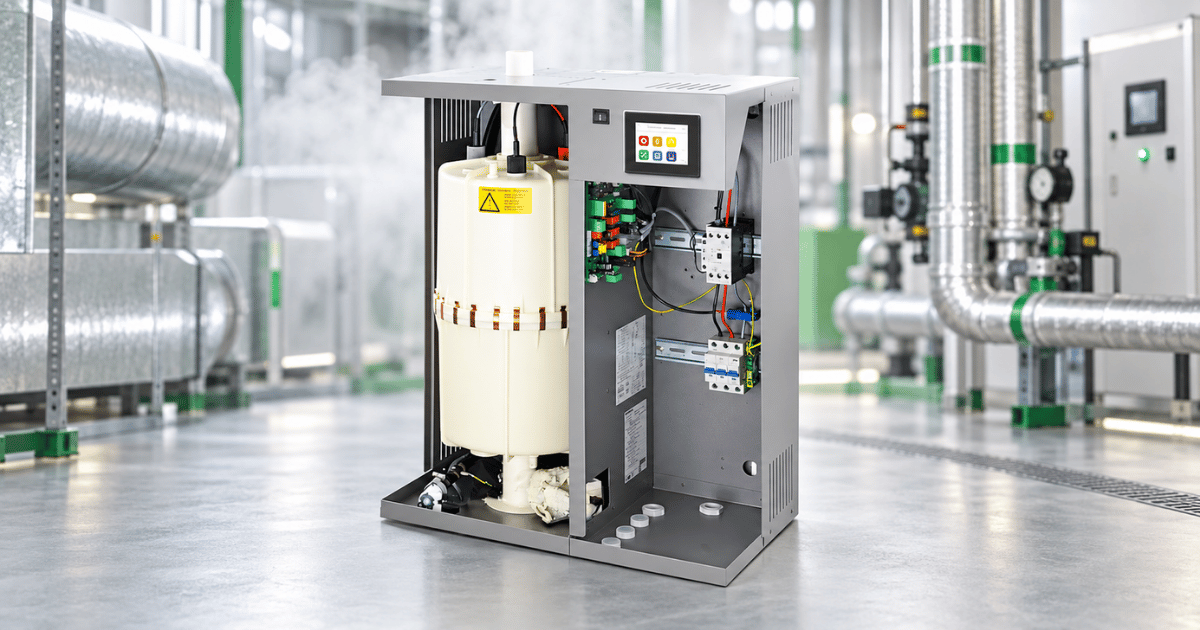 October 16, 2026
 -
Carel Controller Fault Codes Explained: A Troubleshooting Guide
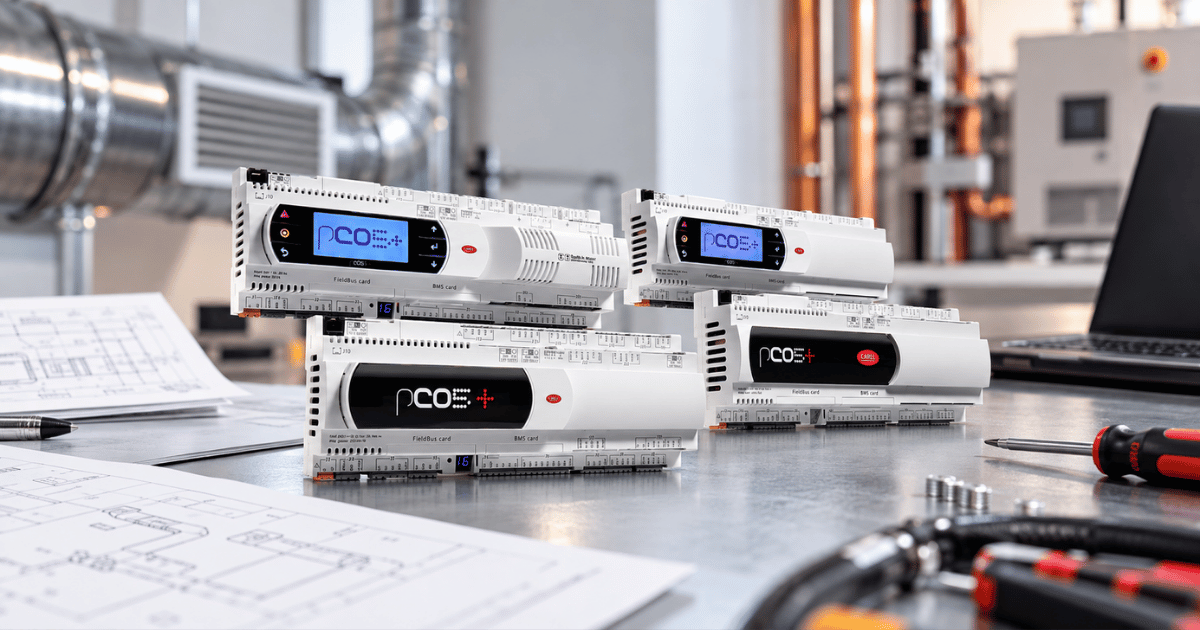 October 15, 2026
 -
Damper Actuator Not Working? How to Diagnose and Fix Common Faults
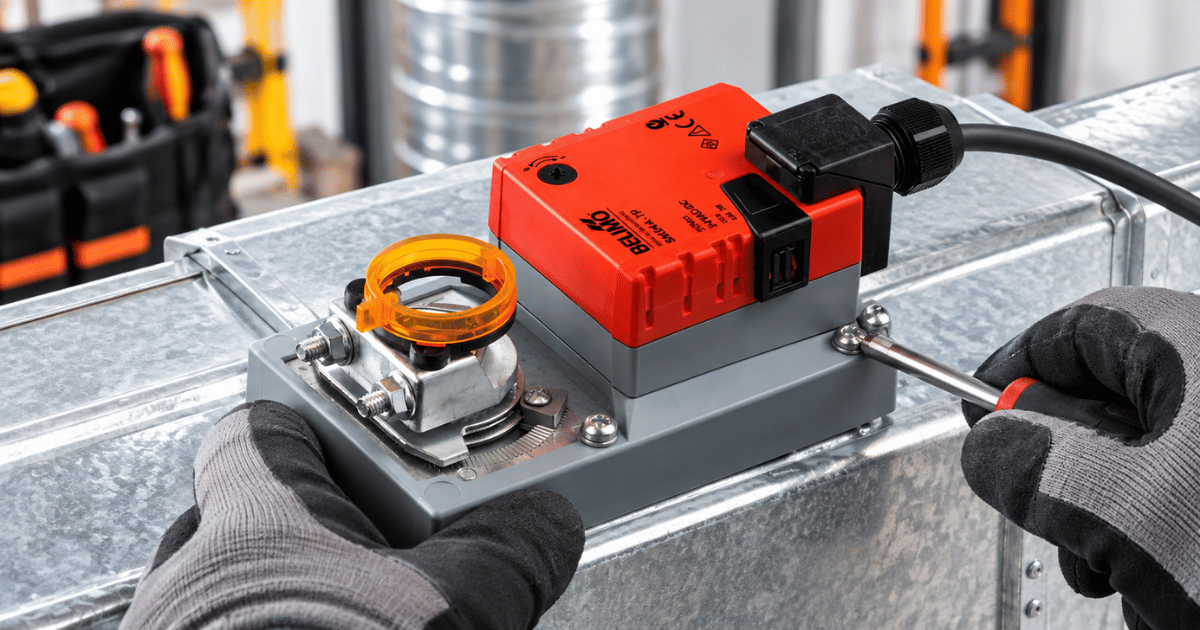 October 2, 2026
 -
VAV Box Explained: How Variable Air Volume Systems Control Airflow
 October 1, 2026
 -
Replacing a CAREL pLDPRO Display: pGDn Options, Fit Checks and Affected Part Numbers
 September 23, 2026